
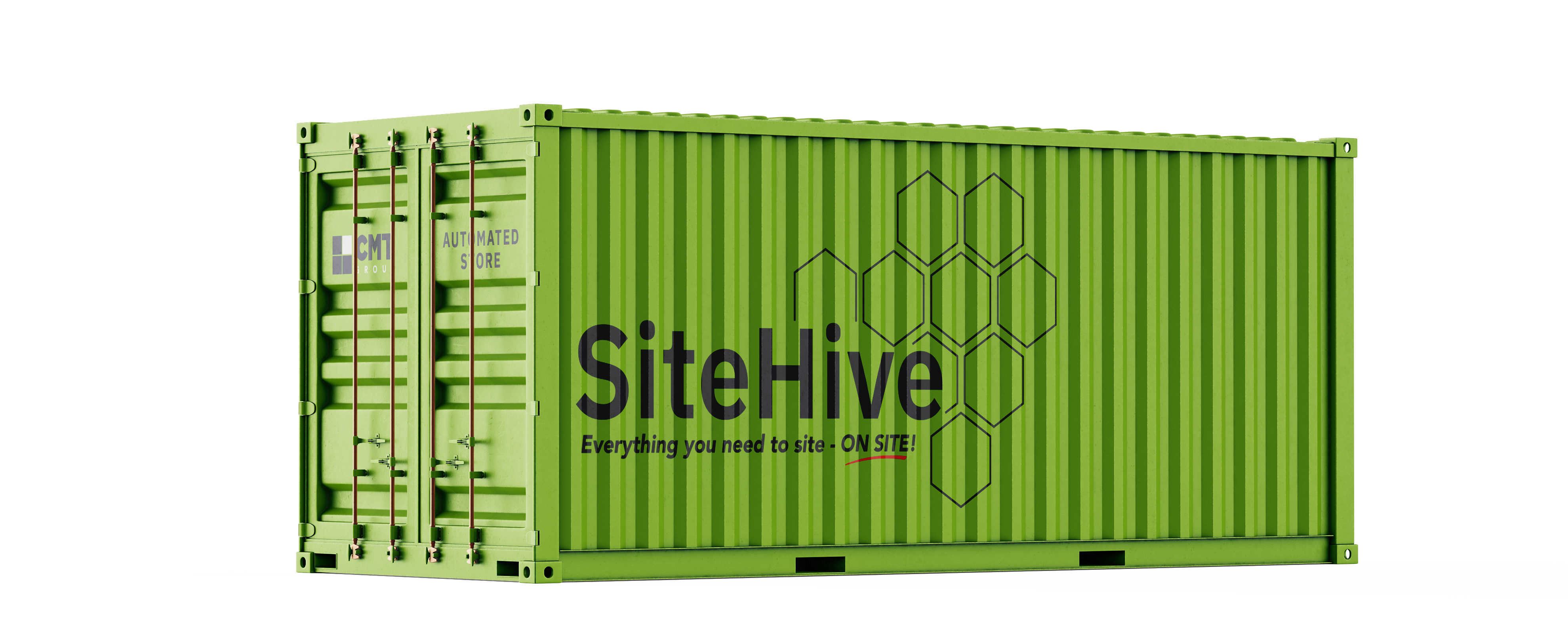
Streamline your projects with SiteHive

We’ll tailor our call to the project/s you've input, and have our experts on hand to answer initial questions.

The SiteHive app is coming soon!

ToolTrack by SiteHive

Know where every tool is, and who has it

ToolTrack tags your serialised tools and equipment with RFID and Bluetooth, so every check-out, return and location is recorded automatically. No scanning, no sign-out sheets, and no more tools going missing.

Works with SiteHive stores and ProBox tool lockers.

Features

Full accountability for every tool

Lost and unreturned tools are one of the biggest hidden costs on site. ToolTrack gives you a live record of every serialised asset, from the moment it leaves the store to the moment it comes back.

RFID and Bluetooth tagging

Every serialised tool gets its own tag, read automatically as it leaves or returns to a SiteHive or ProBox. No barcodes to scan and no paper sign-out sheets.

Geotagging around site

Bluetooth scans inside and outside the store record each tool's last known location, and ProBox lockers report their own GPS position.

Checked out to named operatives

Tools are assigned to the operative who takes them, with a full transaction log of every check-out and check-in across all your sites.

Inspection and asset status

Tools are inspected on return and marked as operational or under repair, so faulty kit comes out of use, and out of billing, straight away.

Certification alerts

Keep calibration, PAT, LOLER and other certification dates against each tool, with text and email alerts before anything expires.

Utilisation and billing

Spot over and under-used tools, flag tools at risk from prolonged check-out, and bill hired tools on the days they were actually used.


How ToolTrack works

Three simple steps, with nothing extra for operatives to do. They pick up a tool and go.

  • 1. Tag and register
    We tag your serialised tools and register them against your account, whether they're owned, hired from CMT, or hired from another supplier.
  • 2. Check out and track
    Operatives take what they need from a SiteHive or ProBox. The tag is read on the way out, the tool is assigned to them, and its location is updated as it moves around site.
  • 3. Return, inspect and report
    Returned tools are inspected and their status updated. Managers see who has what, where it was last seen, and which tools are overdue, under repair or due for certification.

ProBox lockers put tools closer to the work

On large sites, ProBox lockers sit alongside your SiteHive at the workface. Each one has its own access control, real-time inventory and GPS location, with Bluetooth scans inside and outside the locker.

Assign and reassign

Allocate tool inventory to each ProBox, move assets between lockers, and see any tools that aren't assigned anywhere.

Alerts that reach you

Text and email alerts for overdue returns, low availability and upcoming certification dates.

One platform for consumables and tools

ToolTrack runs on the same SiteHive and EDGE platform as your automated stores, so tool usage, consumables spend and operative access all sit in one set of reports.

FAQ

Frequently asked questions

Everything you need to know about tracking tools with ToolTrack.

  • What kind of tools can ToolTrack follow?

    Any serialised asset you want to track individually, such as power tools, test and survey equipment, lifting gear and radios. Consumables are still tracked by SiteHive's cameras, sensors and scales, so you don't need to tag them.

  • Is the location live GPS tracking?

    Tools are geotagged from Bluetooth scans inside and around the store, which gives you each tool's last known location rather than a continuous GPS feed. ProBox lockers carry their own GPS, so you always know where each locker is.

  • Can we track our own tools as well as hired ones?

    Yes. ToolTrack works for tools you own, tools hired from CMT, and tools hired from other suppliers, all in one view.

  • How does billing work for hired tools?

    Billing is based on actual check-outs, so you pay for the days a tool was in use. Tools marked as not operational are excluded from billing until they're repaired.

  • What reports are available?

    A full transaction log of check-outs and check-ins, tools at risk from prolonged check-out, certification expiry, and utilisation reports showing over and under-used tools, filterable by site, operative and trade.

Still have questions?

Can't find the answer you're looking for? Our team will talk you through how ToolTrack would work on your project.

Get in touch